
Master the Fundamentals of 2020 Design in 4 Recorded Classes
Go from struggling with the basics to confidently creating kitchen designs, construction drawings, and professional presentations — taught by a designer with 30 years in the industry.
Enroll in the Training
Learning 2020 Design on Your Own Is Frustrating
You bought the software. You watched the manufacturer's tutorials. But when you sit down to actually design a kitchen, you're still guessing, backtracking, and spending hours on things that should take minutes.
-
Spending too long on basic tasks
Drawing walls, placing cabinets, and importing appliances shouldn't take all day — but without guidance, they do.
-
No one to ask when you're stuck
Working alone means there's no colleague to ask "am I doing this right?" — and manufacturer support only goes so far.
-
Picking up bad habits you don't know about
Self-taught designers often find workarounds that create bigger problems later — and don't realize it until they're deep into a project.
-
Presentations that don't impress clients
You know the design is good, but your renderings and construction drawings don't show it — and that affects how clients perceive your work.
4 Classes That Build on Each Other
Each class is recorded so you can rewatch, pause, and practice at your own pace. By the end, you'll have the skills to design, present, and document a complete kitchen project.
Drawing Your First Kitchen
- Drawing walls
- Adding windows, doors, and doorways
- Building in the countertop depth refrigerator
- Importing appliances from the cloud
Cabinetry, Molding & Finishes
- Placing wall cabinetry
- Deeper wall cabinet above fridge
- Placing toe kicks
- Starter molding and crown molding
- Placing sink and faucet
- Importing countertop textures
Islands, Lighting & the Quote
- Adding the island & finishing for rendering
- Finding and understanding the Quote
- Importing lighting into your design
- Importing ceramic tile
- Decorating the kitchen
Presentations & Construction Drawings
- Rendering and importing drawings into Canva
- Creating construction drawings for contractors
- Understanding how to look up the cabinet quote
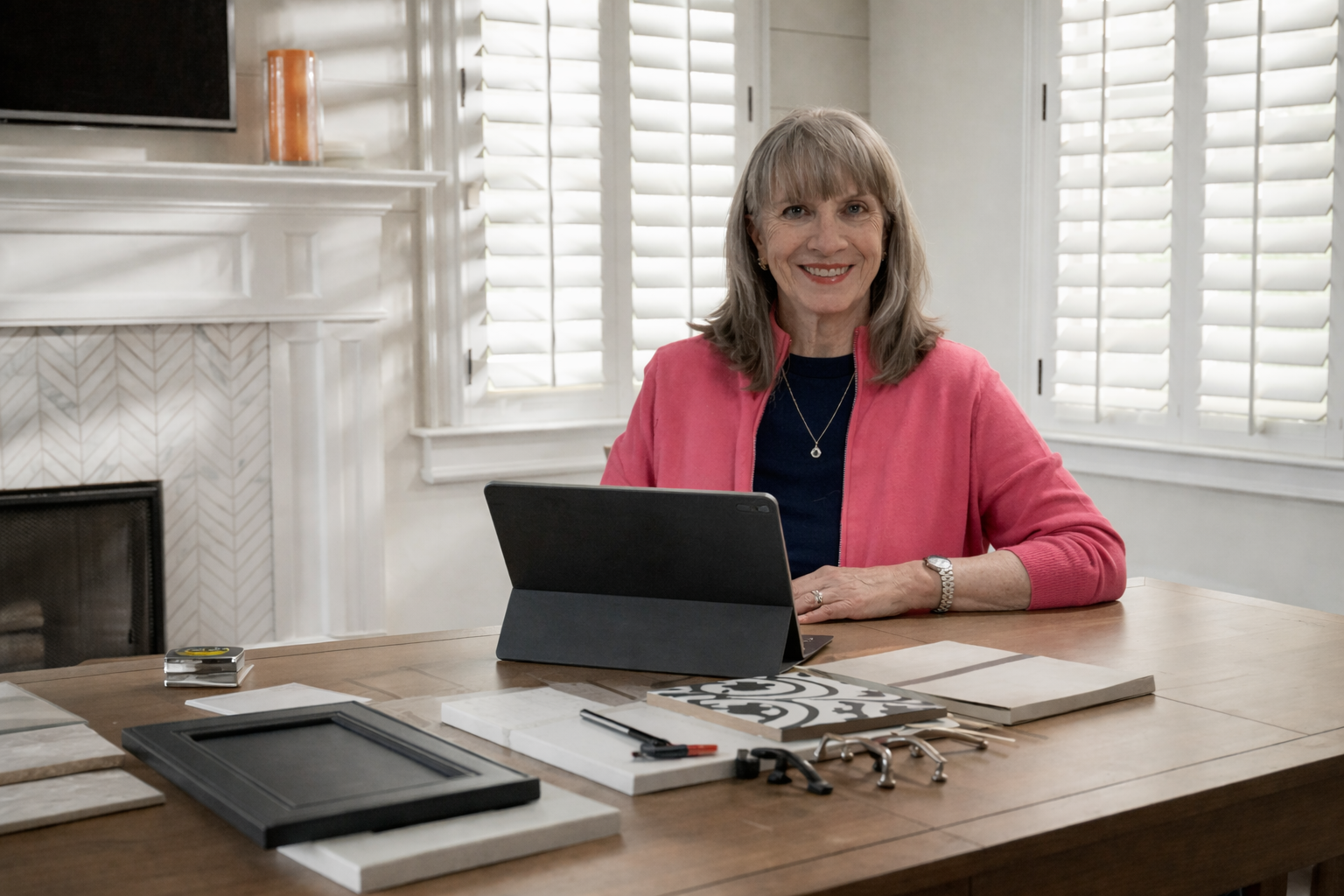
Hi, I'm Karen Hockley
CMKBD, CAPS • Founder & Principal Educator
With over 30 years in the kitchen and bath design industry, I've designed hundreds of kitchens using a wide range of manufacturer catalogs and mastered the tools of the trade — including 2020 Design software.
I started teaching because I saw too many talented designers struggling with software that should be making their work easier, not harder. My classes are built around real projects and real-world problems, so you're not just learning features — you're learning how to actually use them on the job.
Whether you're brand new to 2020 Design or you've been self-teaching and want to clean up bad habits, I'll meet you where you are and help you build real confidence with the software.
— Natalie Z, Academy Student
Designers Who Took the Training
"911 Cry for Help UPDATE: Karen Hockley to the rescue! I immediately signed up for her 2020 Classes. BEST decision I've made since purchasing 2020! Karen demystifies, offers real time examples and projects while presenting the process in a concise but comprehensive fashion. Her years of design experience and knowledge of the industry as a whole bring so much more to her class than I anticipated. If you need help as a beginner or maybe a brush-up to clean up some bad habits — check out her class!"
"Karen is truly phenomenal. Her charismatic personality and deep knowledge of the 2020 Design system make her exceptional. She is patient, clear, and very easy to understand. Her expertise has been incredibly valuable to us."
"If you're on the fence, just do it! I taught myself 2020 Design over the last year and I work by myself with no one to ask questions. Even though I'm technically not a beginner, I knew I was doing some things the hard way. One day of class and it's already been so helpful."
"Karen is a fantastic instructor delivering valuable, practical content. Her experience shows in her deep knowledge of design, 2020 software, and the cabinet industry as a whole. I highly recommend her training."
"The 4 Workshops were so helpful — whether you are new to Design or a year+ in. Karen built on each subsequent session with recaps and clear examples, offering her personal experience and allowing each participant to share their screen for additional help. AND she taped each session so you can go back and review. Above and beyond!"
"I enrolled in Karen Hockley's Westhighland Designs Academy the day she launched it. I can confidently say that Karen is one of the most effective, knowledgeable, and patient instructors I've had. Her classes stand apart from others with their unique and engaging content. Karen genuinely cares about her students' progress. I cannot recommend her and her academy highly enough."
"Karen spent a few valuable hours helping me and my team get setup and going on cabinet design software. We flew through the basics as we are a very tech forward crew. As a business owner, I value my time and the time with my team, so the fact that we were able to get through this quickly was not only beneficial but saved me money!"
"My goal was to build on my skills as a newer kitchen designer. I was very fortunate to have met Karen Hockley. She has been a mentor and a credible and brilliant trainer who delivers her knowledge with authenticity and patience. Thank you, Karen, for your support and guidance. You never disappoint!"
Invest in Your Design Skills
Four recorded classes covering everything from drawing your first wall to delivering professional presentations and construction drawings.
One-time payment. Full access to all 4 recorded classes.
- 4 in-depth recorded video classes
- Watch at your own pace, rewind and replay
- Beginner through intermediate topics
- Taught using Diamond Cabinetry — one of the most widely used catalogs in the industry
- Taught by a 30-year industry veteran
Already a member? Kitchen & Bath Design Master Membership members get this entire training — a $399 value — included at no extra charge.
Learn About the MembershipCommon Questions
Do I need to already know 2020 Design software?
How long are the classes?
Do I need a specific version of 2020 Design?
How long do I have access?
I've been using the software for a while — will I still learn something?
Can I get help if I'm stuck on something?
Stop Struggling with the Software
Join designers who went from frustrated to confident with 2020 Design. Four classes. Real projects. A teacher who's been where you are.
Enroll in the Training